本文最后更新于 2026-10-22T11:46:34+00:00
序言
小楼昨夜又东风,故国不堪回首月明中。
不知为何,脑海中突然浮现了这句诗,我怀疑是我本就为数不多的诗词储备基础发力了,让我想要诉说写什么。距离我的第一个博客搭建完成后,差不多满两年了,但是在这里不想过多的倾诉什么,因为我希望这将是一个新的开始,或者是一个赎罪的的开始。作为我的博客,我希望这次她能陪我久一点,于是便想好好给她写个开始。
文章正文
环境
|
version环境 |
| Ubuntu |
26.04.1 LTS |
| node |
v22.22.1 |
| git |
v2.53.0 |
| npm |
9.2.0 |
搭建本地站点
创建并初始化本地站点文件夹
1
2
| / npx hexo-cli init site
/ cd site
|
安装必要依赖
1
2
| /site npm install --save-dev hexo-cli
/site npx hexo server
|
此时访问本地4000端口应该会显示如下界面
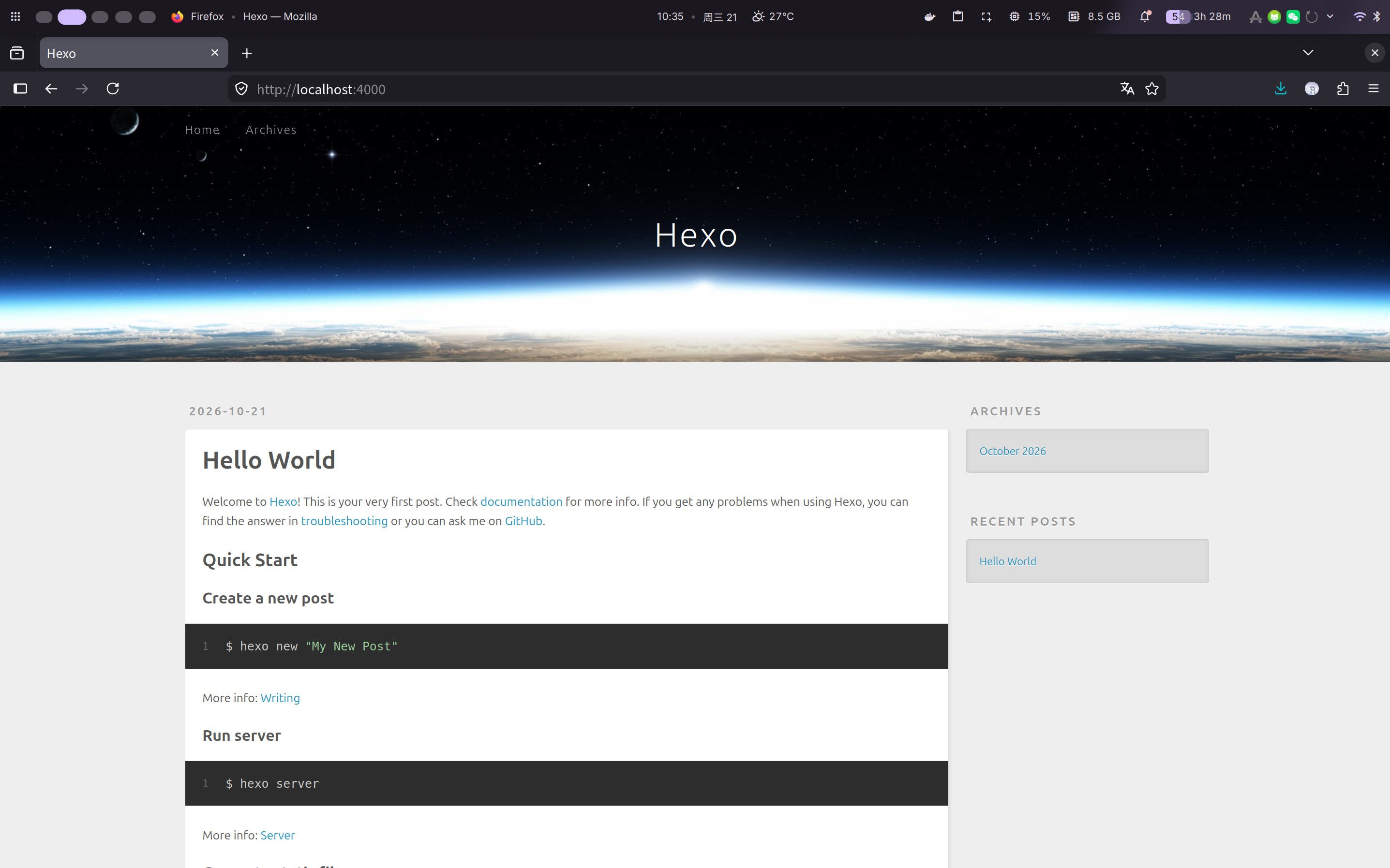
Ctrl + C结束本地的预览,完成本地站点的初始化。
配置Github Action
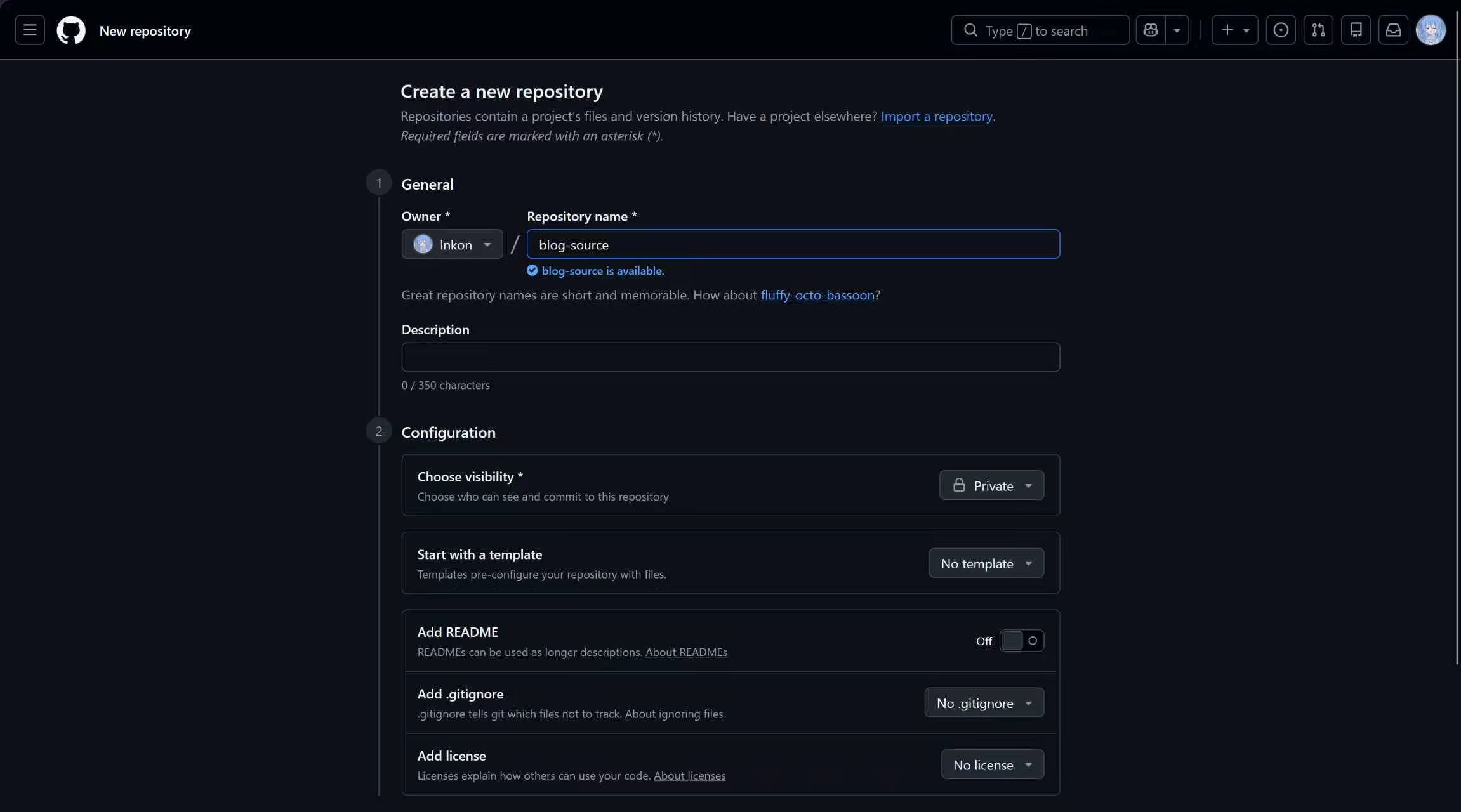
在Github中创建新的仓库,同时将权限设置为Private。
在setting中创建一个令牌,设置无过期时间,同时按照图中所示勾选对应的权限。
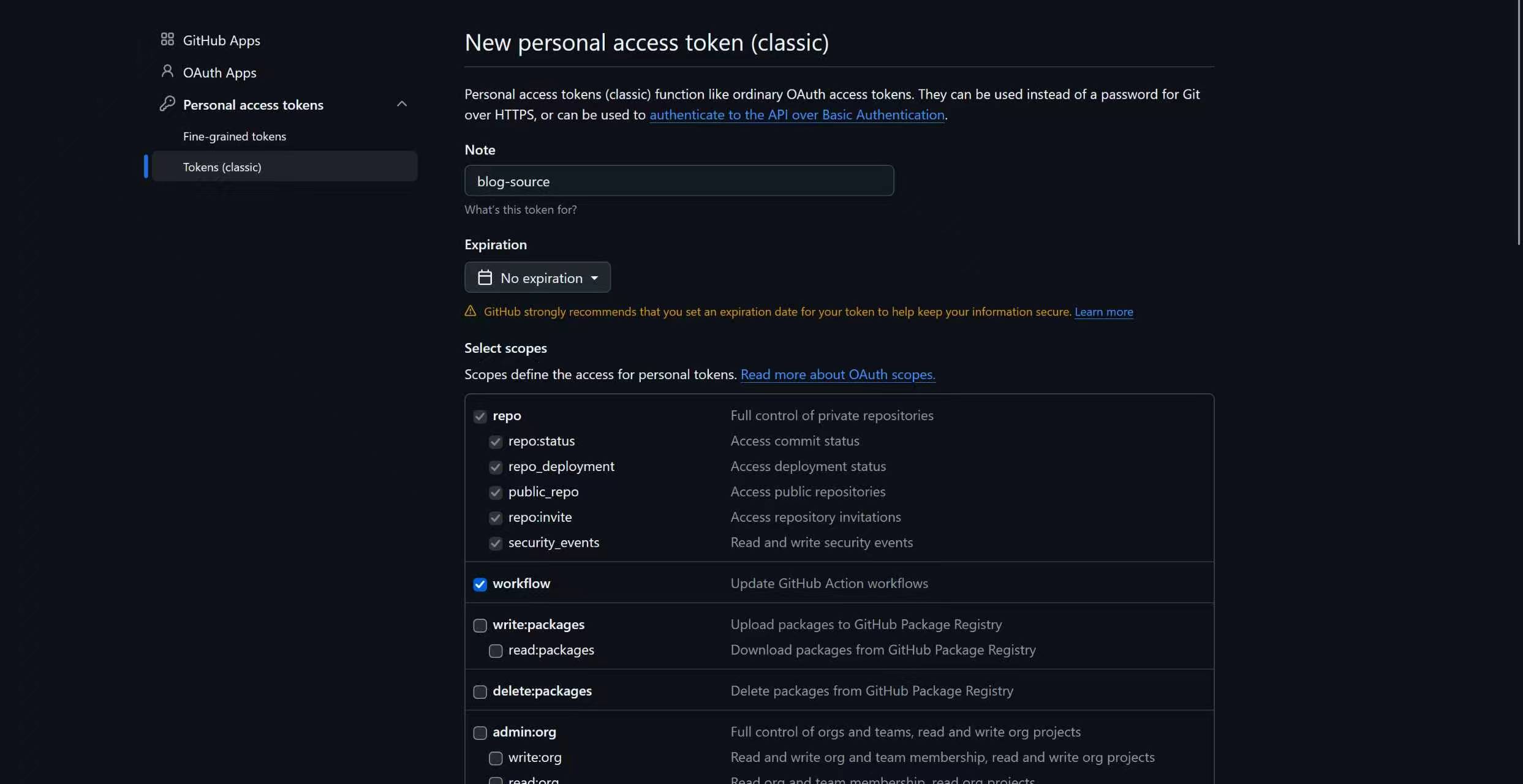
记得复制生成的token。
修改文件夹中的config.yml文件,以方便自动部署。
ctrl + F搜索deloy,并修改该部分内容为如下演示:
1
2
3
4
| deploy:
- type: git
repository:
github: https:
|
在站点根目录下创建.github/workflows目录,创建用于编写GitHub脚本的workflows.yml文件。在文件中添加如下部分:
1
2
3
4
5
6
7
8
9
10
11
12
13
14
15
16
17
18
19
20
21
22
23
24
25
26
27
28
29
30
31
32
33
34
35
36
37
38
39
40
41
42
43
44
45
46
47
48
49
50
51
52
53
54
| name: Pages
on:
push:
branches:
- master
workflow_dispatch:
permissions:
contents: read
pages: read
jobs:
build:
runs-on: ubuntu-latest
steps:
- name: Checkout
uses: actions/checkout@v4
with:
submodules: recursive
- name: Setup Node.js
uses: actions/setup-node@v4
with:
node-version: "22"
cache: npm
- name: Configure GitHub Pages
uses: actions/configure-pages@v5
- name: Install Dependencies
run: npm ci
- name: Build
run: npm run build
- name: Upload Pages artifact
uses: actions/upload-pages-artifact@v4
with:
path: ./public
deploy:
needs: build
runs-on: ubuntu-latest
permissions:
pages: write
id-token: write
environment:
name: github-pages
url: ${{ steps.deployment.outputs.page_url }}
steps:
- name: Deploy to GitHub Pages
id: deployment
uses: actions/deploy-pages@v4
|
完成后push到GitHub仓库。
1
2
3
4
5
| /site git config user.name "yourname"
/site git config user.password "youremail"
/site git add .
/site git commit -m "Initial commit"
/site git push
|
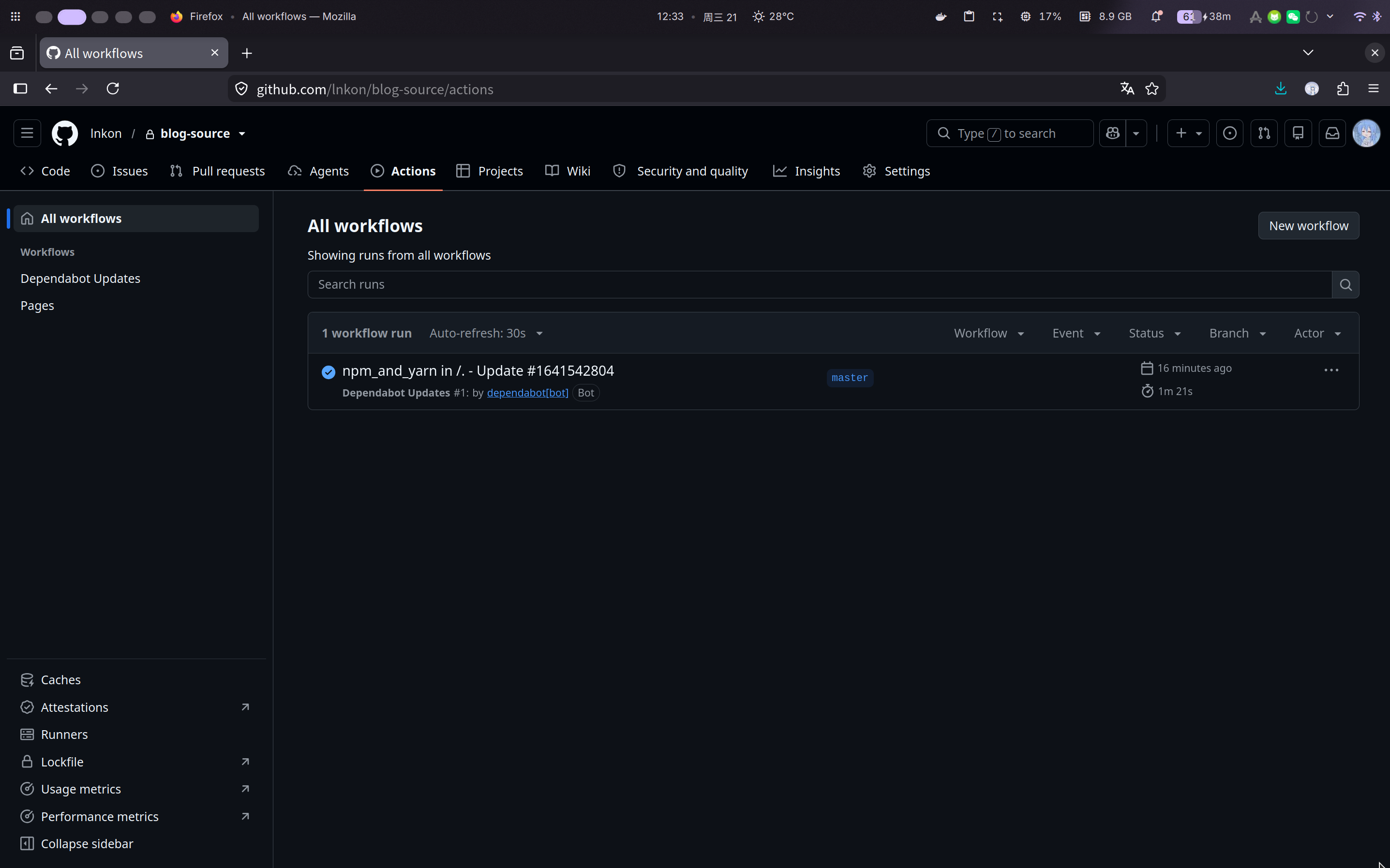
此时我们可以看到GitHub中已经有提交记录了,
绑定域名
在GitHub的仓库页面下选择Settings,并在左栏中选择Pages,在Branch中选择提交的分区并保存。随后在下方输入自定义的域名。
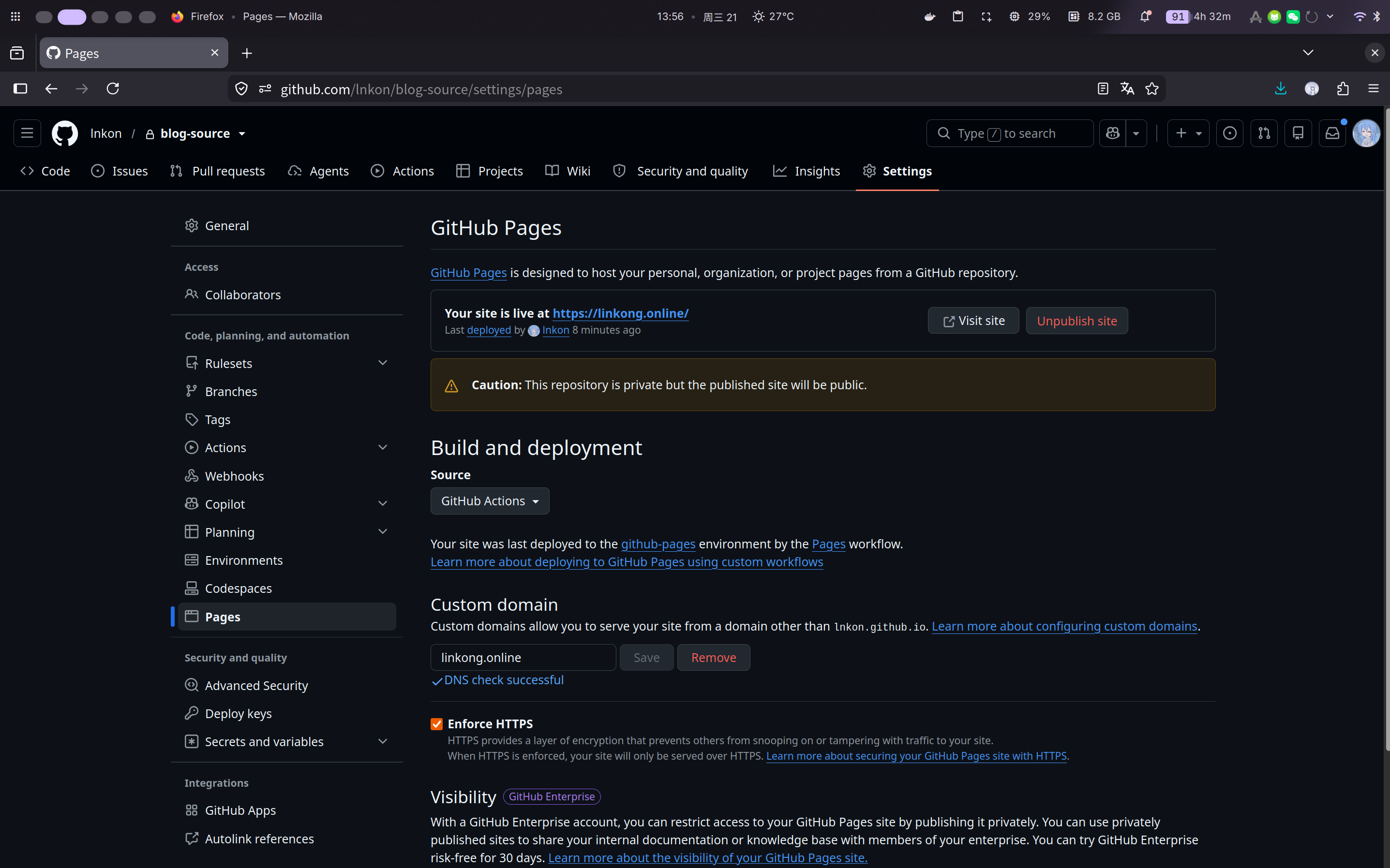
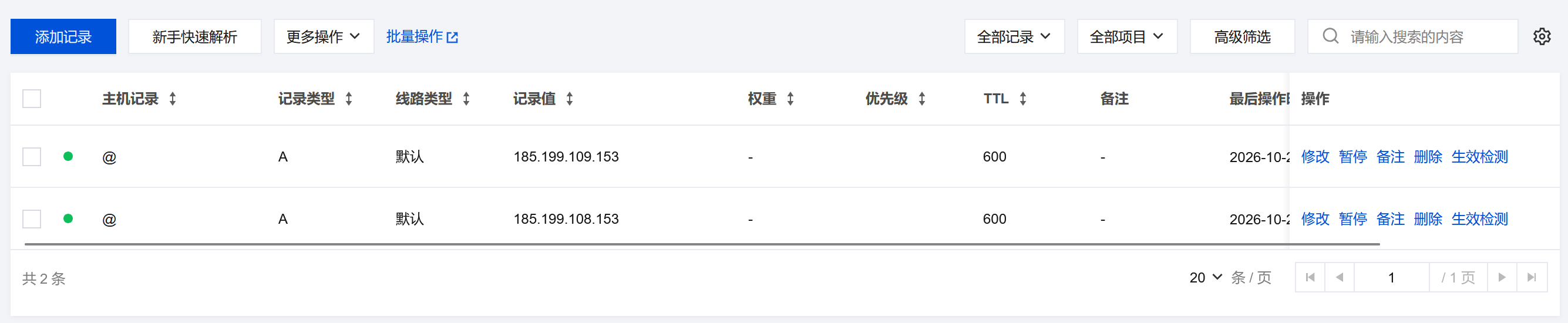
保存输入的域名,此时会进行DNS检查,我们仍需到域名服务商处增加如下DNS解析到目标域名。